See where you stand.
Your remaining balance and spending categories, without digging.
 Trackly
Say what you spent. Keep your money in view. Capture by voice on iPhone or Apple Watch, with widgets that put your next entry within reach.
Manual logging is free — no account, no card. Pro is $1.99 a month.
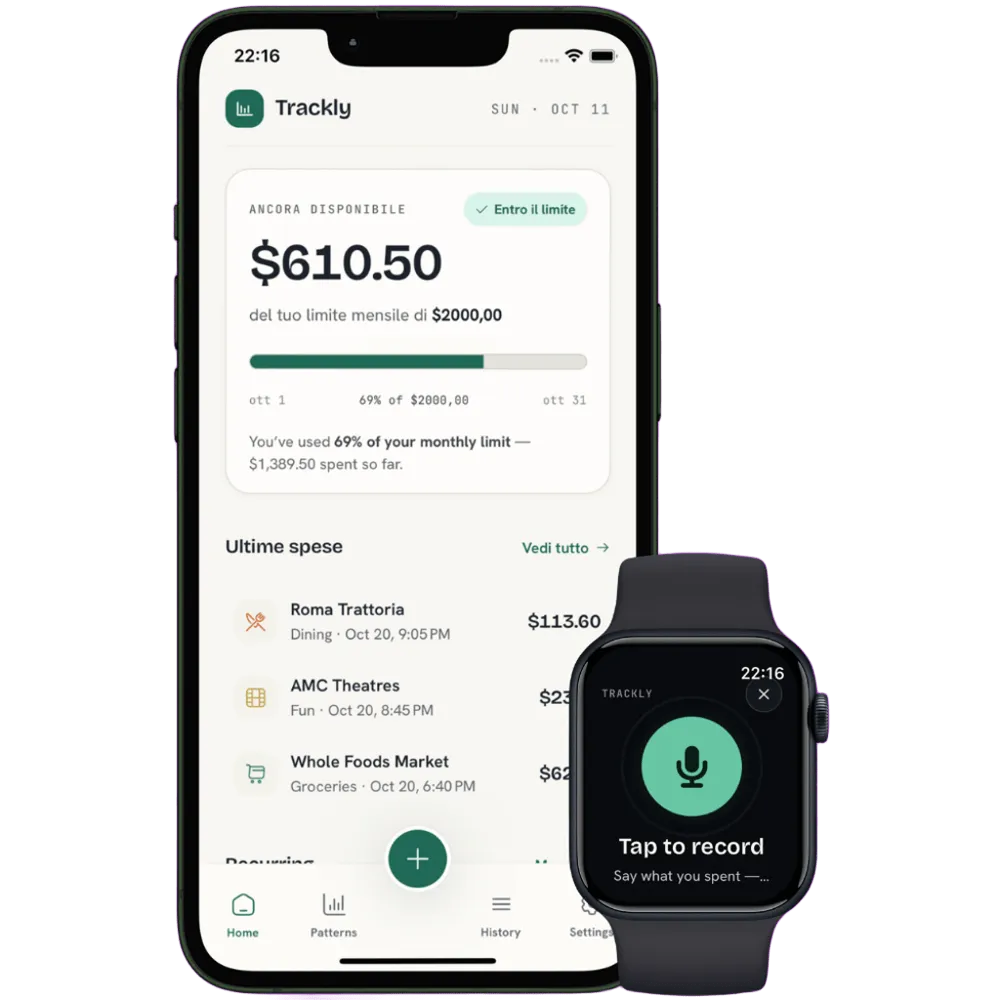
Less effort. More awareness.
Know what’s left. Say what you spent. Your iPhone, Apple Watch, and widgets put the whole picture within reach.
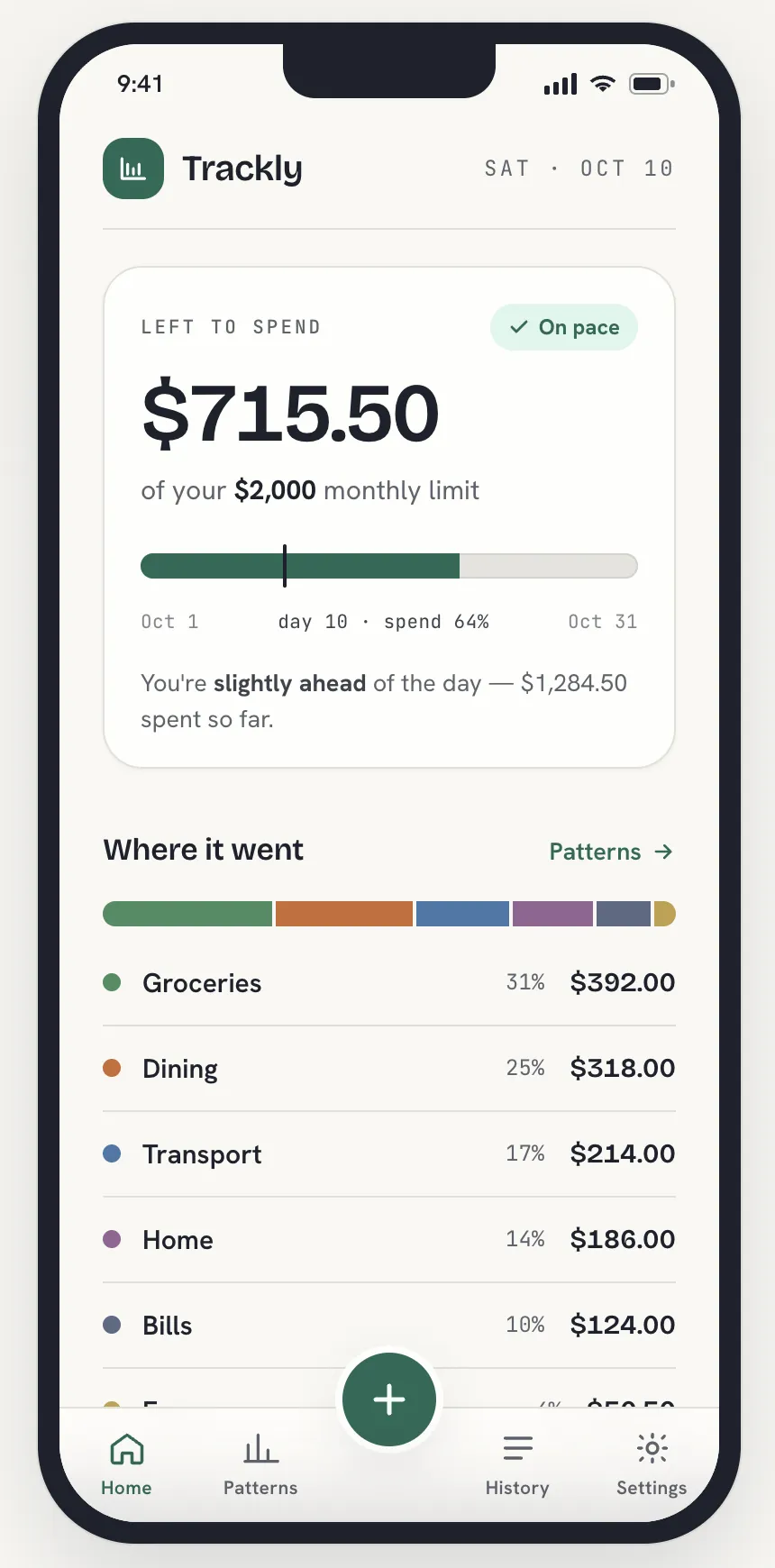


Your remaining balance and spending categories, without digging.
Log by text or voice. Keep your phone in your pocket with Apple Watch.
Smart capture reads the amount and category. Automatic classification with Pro.
Trackly screens · sample spending shown.
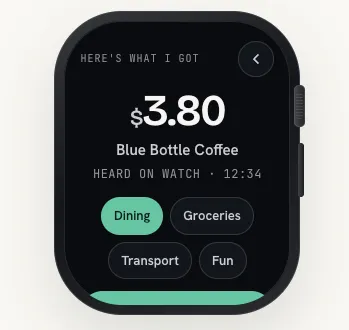
Leave your iPhone in your pocket. Open Trackly on Apple Watch, tap the microphone, and say what you spent while it’s still fresh.
On Free, review the amount and choose a category on your wrist. With Pro, your iPhone handles automatic classification.
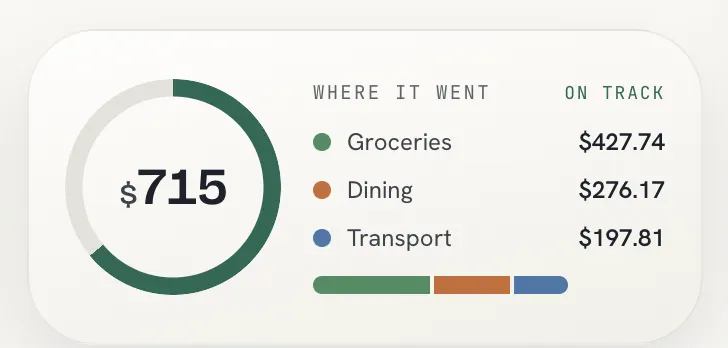
What’s left, wherever you glance. Complications designed for your favourite face.
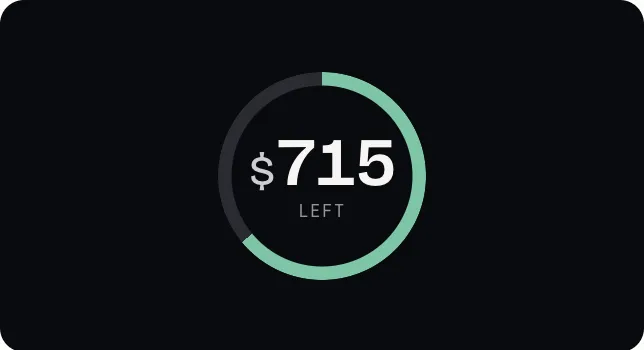
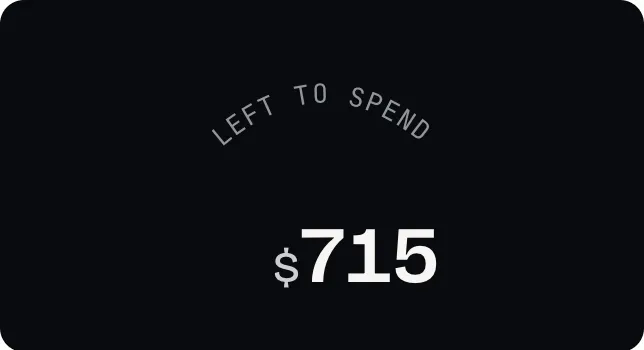
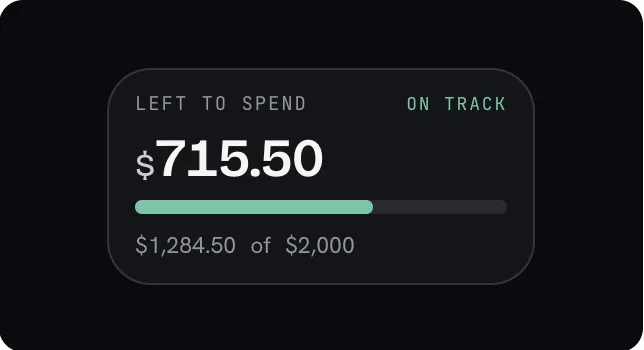
Screenshots from Trackly’s Watch complications · sample data.
Your money belongs in your everyday view. Trackly’s iPhone widgets bring the remaining balance, recent expenses, and quick voice logging to your Home Screen.
Check what’s left with a glance. Start a voice entry from the microphone. Lock Screen layouts keep the essentials close, too.
Explore the widgets ↗
Trackly iPhone widgets · sample data.
A list tells you what you spent. Patterns shows how it adds up: your category mix, the purchases that stand out, and how much of your monthly limit you’ve used.
Make your next decision with a little more context.
Explore Patterns ↗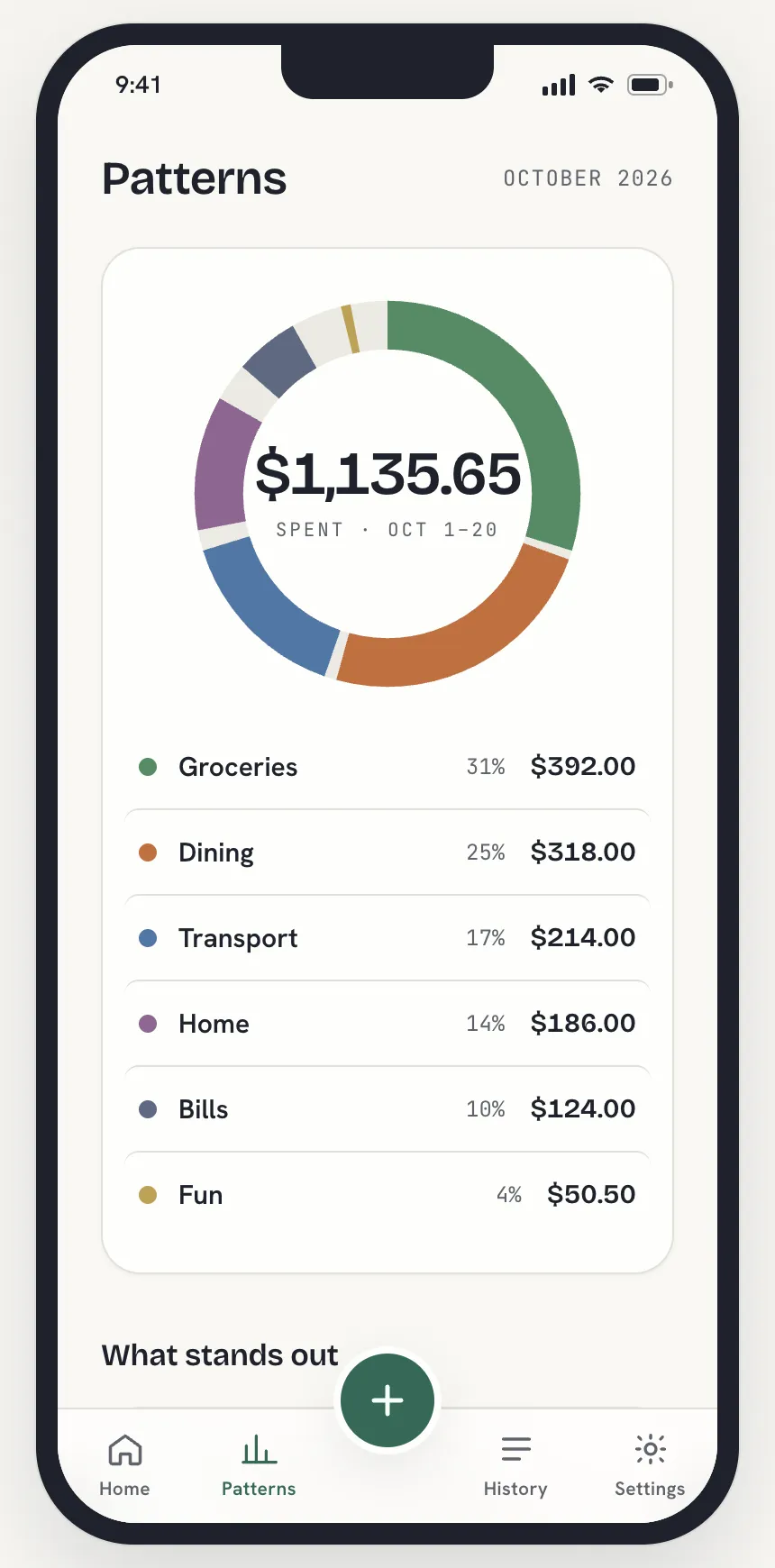
Type or record an expense in your own words. Smart capture reads the amount and category, then shows you what it understood.
Automatic classification is included in the monthly tier. Less sorting, more time for everything else.
“Coffee, three dollars eighty.”
Amount and category, without filling each field.
Start with everyday essentials like groceries, dining, and transport. Add your own categories for the things that matter to you.
Choose a name, color, and icon. Add keywords to help file matching expense notes into the right place, including Smart capture.
Explore Categories ↗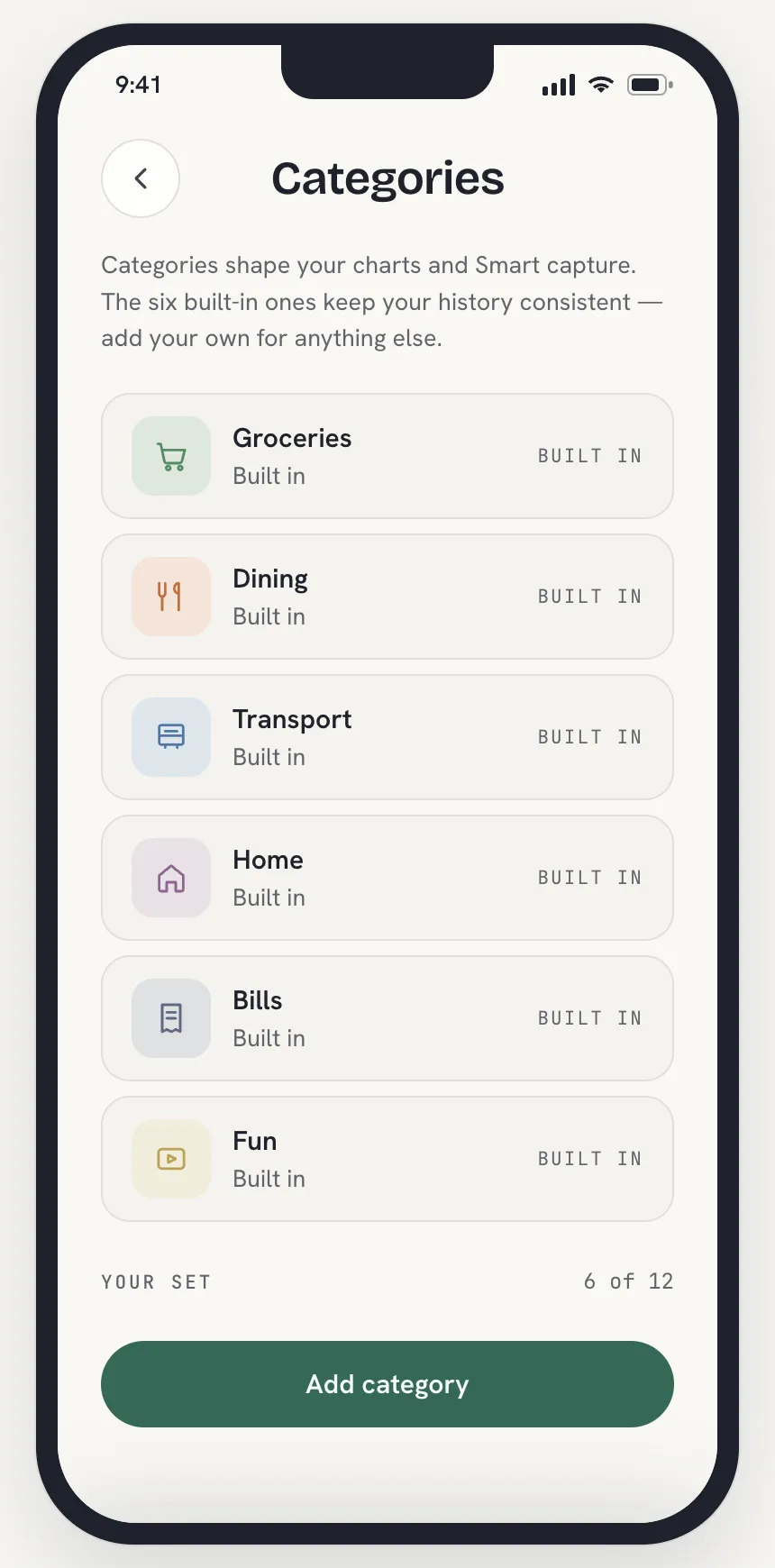
Rent, subscriptions, and regular bills deserve a place in the picture. Add the amount and schedule once, then keep your repeating payments together.
Trackly reminds you before each payment. Mark it paid to turn it into a logged expense when it’s due.
Explore Recurring ↗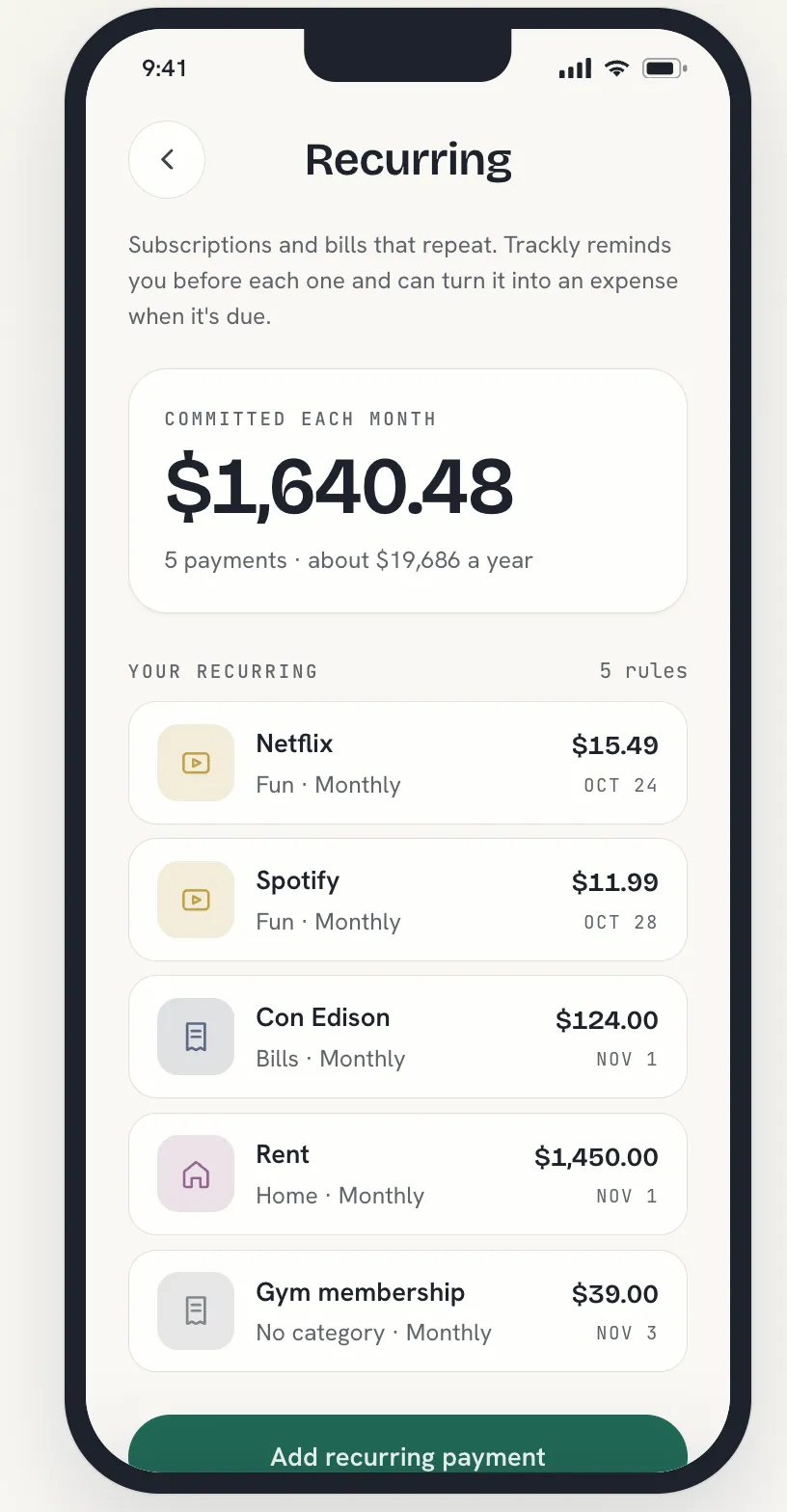
Pricing
The part you need most is free. Pro is $1.99 a month — a symbolic price for the job that still takes time: sorting what you just logged.
For keeping the month in view.
No subscription, no trial clock.
For spending less time sorting.
Billed monthly. Cancel anytime.
Billed $19.99 once a year.
Prices in USD; the App Store shows your local price.Pro is bought in the app, billed through the App Store.Cancel anytime — manual logging stays free.
Yes. Manual logging is free with no account and no card, for as many expenses as you like. Pro is $1.99 a month, or $19.99 a year, and adds Smart capture.
You tap to record, say the expense, and stop recording. On Free, you review the amount and select a category before saving. With Pro, classification is handled on the phone.
iPhone widgets show what’s left to spend and give you quick access to logging. The Quick log widget opens Trackly to enter an expense.
Explore widgets ↗Use the Get Trackly button for download information. This website’s download destination is being updated; you can explore the app walkthrough in the meantime.